100ft 24V-12D-30M Meter 2835RGB Red Green Blue Colour Daybetter App Control Smart LED Strip Light for Home Bedroom


100ft 24V-12D-30M Meter 2835RGB Red Green Blue Colour Daybetter App Control Smart LED Strip Light for Home Bedroom
SPECIFICATIONS
Application: Residential
Brand Name: daybetter
CRI (Ra>): 80
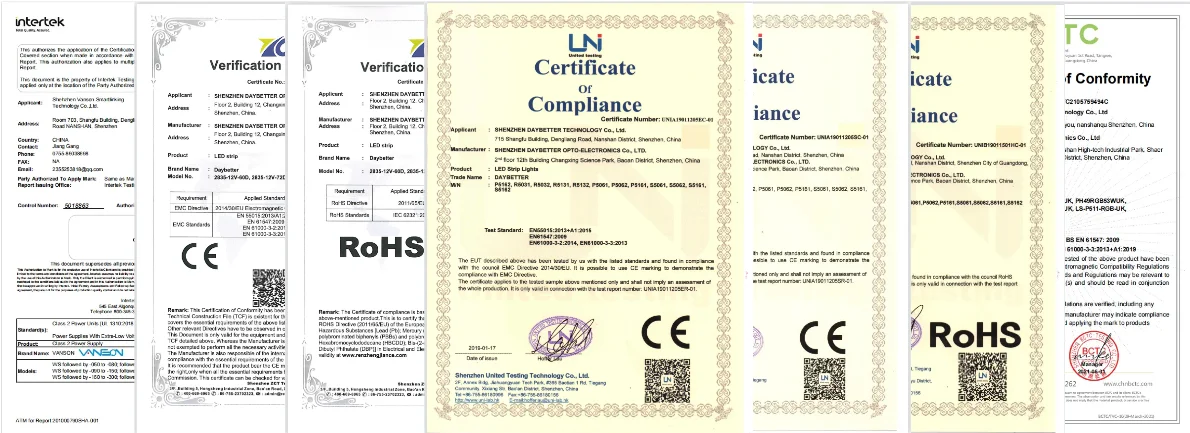
Certification: RoHS,ETL,CE,FCC
Color Rendering Index(Ra): 80
Color Temperature(CCT): 2700K~7000K
Connectivity technology: Bluetooth
Control Method: App, Remote, Voice
Control Mode: App Control,Remote Control
IP Rating: IP20
Input Voltage(V): Dc 24V
Lamp Body Material: Copper
Lamp Luminous Efficiency(lm/w): 50
Lamp Luminous Flux(lm): 16-18lm/led
Lifespan (Hours): 50000
Lighting solutions service: Decoration
Model Number: TCF0221524G-JA01
Place of Origin: Guangdong, China
Product Weight(kg): 0.267
Support Dimmer: Yes
Warranty(Year): 1-Year
Working Temperature(℃): -20 - 60
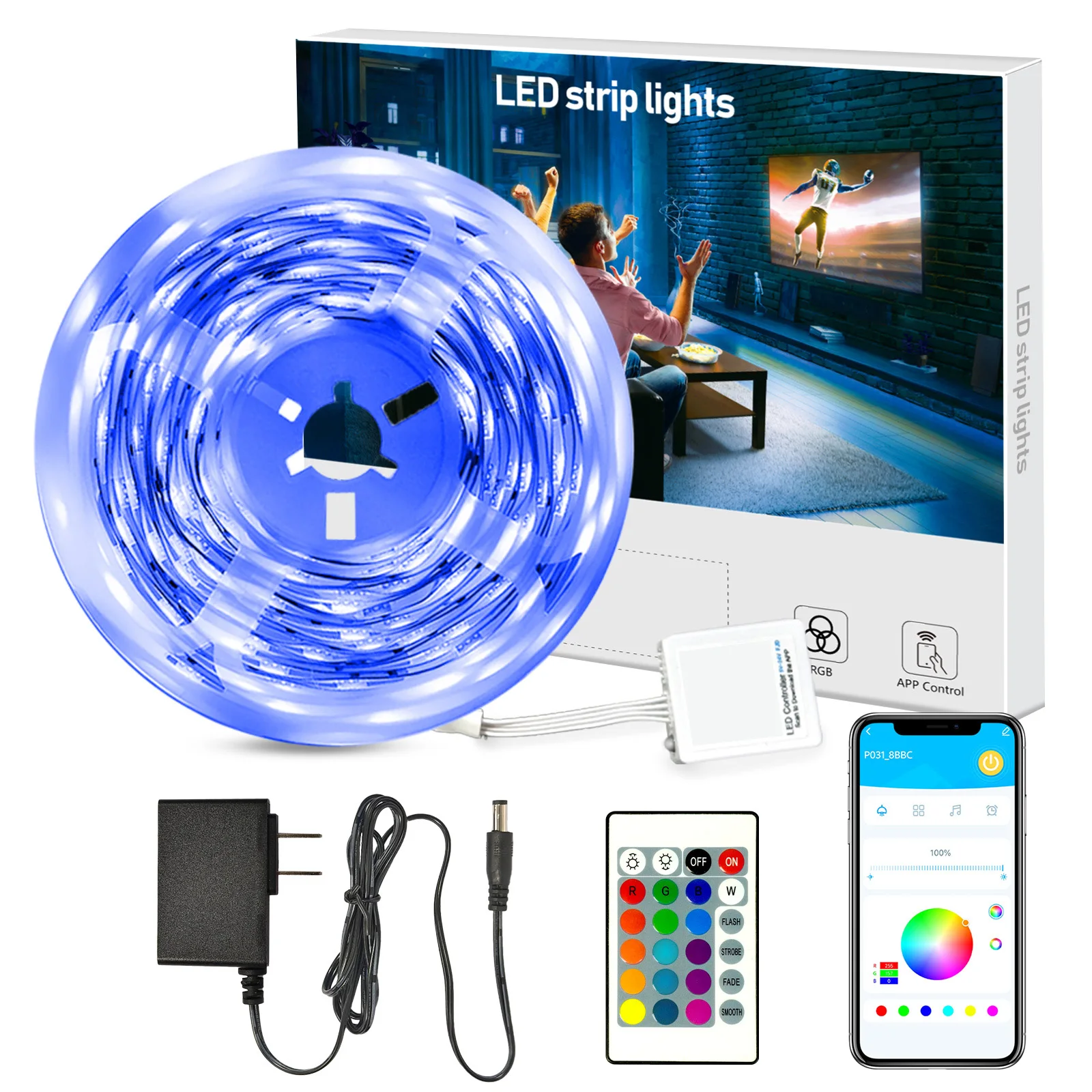
2835RGB 24V-12D-30m 100FT 24-Key IR Remote LED Strip Lights |
||
Specifications |
Package Includes |
|
Color : 2835RGB |
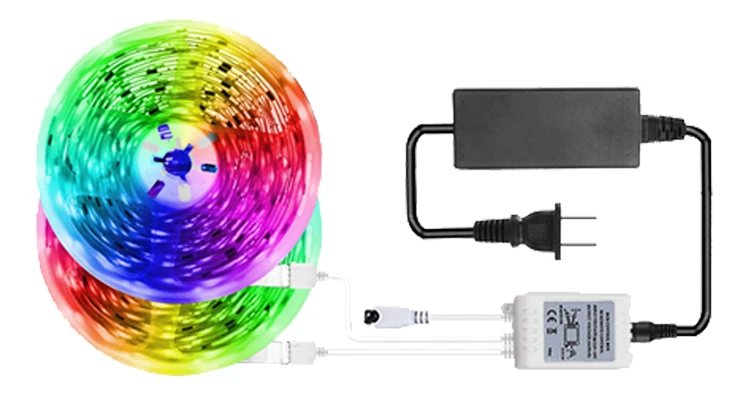
2 x 15m LED Strip Lights |
|
Size of LEDs : 2835 |
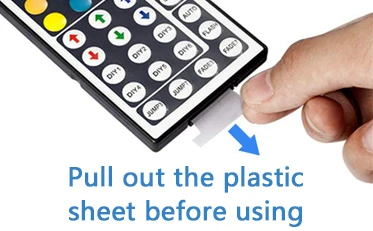
1 x 24-Key IR Remote Control |
|
Voltage : 24V DC |
1 x IR Controller Box(Bluetooth App) |
|
Length :30m/100FT |
1 x Power Adapter(US Plug) |
|
Waterproof : Non-waterproof |
1 x Instruction Manual |
|
Control Mode : IR Remote/Daybetter APP |
||
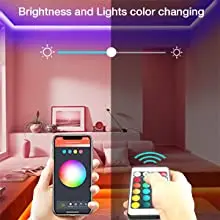
Brightness and Mode changing
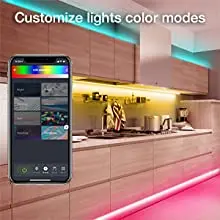
Customizing lights color
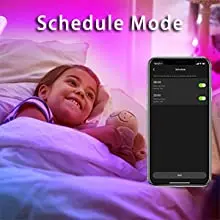
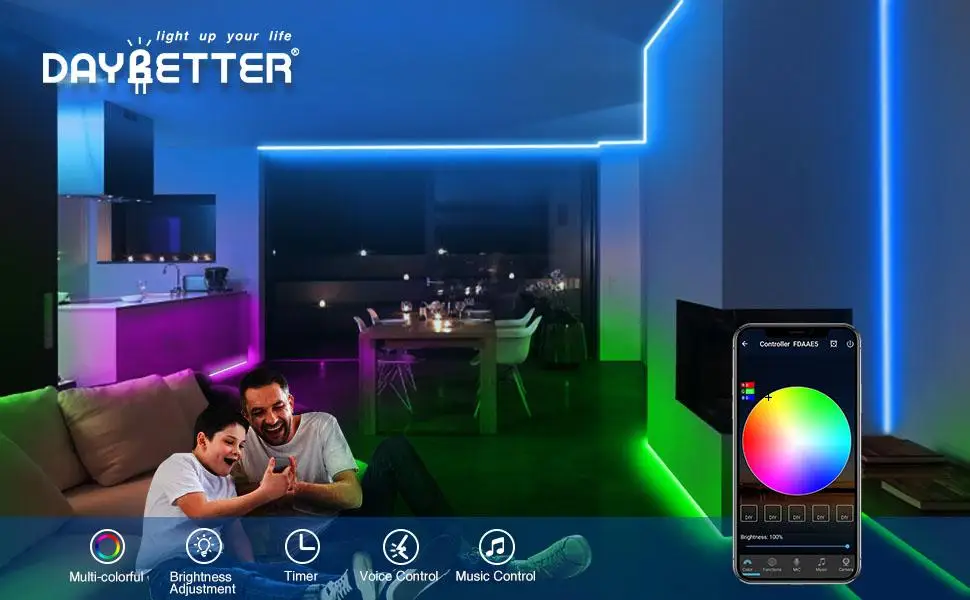
Smart Control
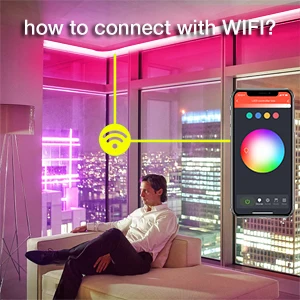
Connection Steps
●Step2: Turn on phone's wifi function and ensure network is on, make sure smart phone connect with your WIFI successfully(only support 2.4GHz WIFI)
●Step3: Connect led strip lights , plug it in then unplug it for 3 times until the led lights into flashing mode.
●Step4: Into APP, click "+" button, then select "Lighting", choose " Strip lights"Wi-Fi", enter Wifi ID and password, then wait it to connect with app, once connected successfully, click" done".
●Now you can control the led strip lights via the app easily.
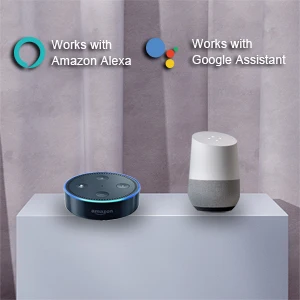
Amazon Alexa Tips
●Step2: Log into the Alexa App, tap Skills, and search the app in the input box.
●Step3: Click Enable skill, and input your app user ID and password, authorize to use the app.
●Step4: Simply use voice commands like "Alexa, turn on the "xxx" (the name you make in step1)to control led strip lights.